
Lightyear Frontier Fertilizer: Mulch and Yield Guide
Learn how Lightyear Frontier fertilizer works in 1.0, how Mulch changes soil, and how the Fertilizer Infuser and Seed Stacking help increase crop yields.
Jump to
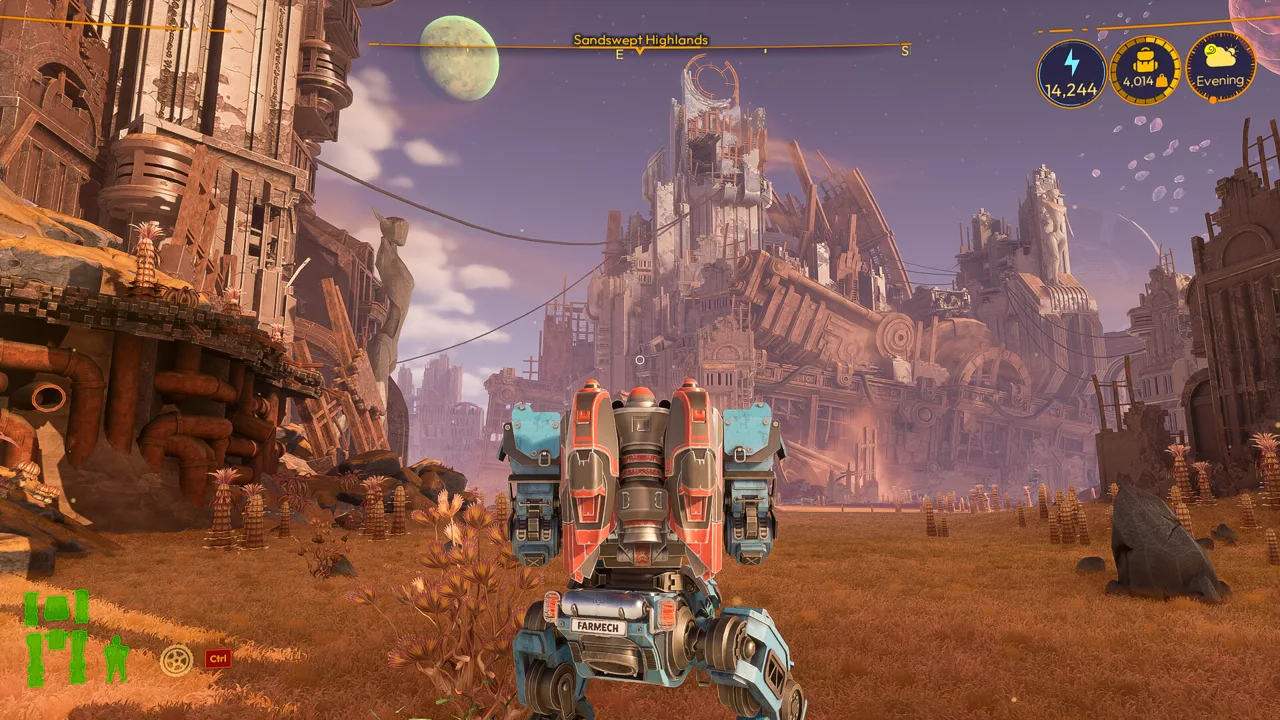
What Does Fertilizer Do in Lightyear Frontier?
Get more crops from the mounds you already have. Lightyear Frontier fertilizer increases mound yield in 1.0, while Mulch changes the soil type. Choosing the right item lets you boost a harvest without changing the soil conditions you planned for your crops.
The November 4, 2026, 1.0 update reworked fertilizer and renamed several familiar farming items. Here’s how the current system fits together:
| Item or construct | Function in 1.0 |
|---|---|
| Mulch | Changes mounds to Phosphoric, Nitrogenic, or Potassic types. |
| Fertilizer | Increases mound yield without changing its type. |
| Fertilizer Infuser | Replaces the Compost Box for crafting fertilizer and Mulch. |
| Fertilizer Infuser II | Expands production capacity. |
The distinction matters when you’re setting up crop rotations. Use Mulch to change a mound’s type; use fertilizer to increase its output. Applying a yield booster won’t turn an unsuitable soil type into the one you wanted.
The new yield-boosting fertilizers unlock in later milestones, so soil management and fertilizer production become available across your progression rather than functioning as one interchangeable system.
Official page: Lightyear Frontier (lightyearfrontier.com)
How to Make Fertilizer and Mulch
Look for the Fertilizer Infuser when setting up production. The Compost Box has a new name and model in 1.0, and the Infuser is the construct to use for this part of your farm.
 Image: Steam / FRAME BREAK
Crafting also changed: fertilizer and Mulch now use Powder items made from droppings or wood. Build your supply around the ingredients required by the recipe you want to produce.
To organize production:
- Open the Infuser’s crafting menu and choose the fertilizer or Mulch recipe you need.
- Check that recipe’s Powder requirements before gathering materials.
- Keep wood or droppings available for the corresponding Powder recipes.
- Expand production with Fertilizer Infuser II as your farm grows.
Choose the finished item by its effect, rather than relying on the old fertilizer names. Soil-changing products now belong to the Mulch category.
For larger crafting setups, 1.0 also introduces Automation Pipes that pull resources directly from storage. Crafting constructs can cycle through up to three queued recipes, skipping recipes whose ingredients are unavailable.
Plan Soil Changes Around Crop Rotation
Fertilizer and crop rotation handle different parts of the harvest. Soil conditions influence whether a crop produces a normal, high-yield, or mutated result; the new fertilizer adds a yield bonus without changing the mound type.
 Image: Steam / FRAME BREAK
Check the planting preview on your HUD before committing seeds. It shows the expected crop outcome, making it easier to plan without memorizing every soil combination.
Use that information to organize each planting:
- Choose the crop and outcome you want.
- Check the mound’s soil type and planting preview.
- Use the appropriate Mulch if you need a different mound type.
- Apply yield-boosting fertilizer to increase output without changing that type.
Mutated harvests also became more useful in 1.0: harvesting a mutated crop now guarantees both normal and mutated crops. Plan around that mixed harvest when you need ordinary crops alongside mutation materials.
Increase Output With Seed Stacking
Seed Stacking lets an upgraded Seed Shooter plant multiple seeds into the same mound for a yield bonus. Combine it with fertilizer to increase production from your existing field.
 Image: Steam / FRAME BREAK
These upgrades serve complementary purposes:
- Mulch sets the mound type for your planting plan.
- Seed Stacking adds seeds to a mound for increased yield.
- Fertilizer boosts yield while preserving the mound type.
Upgrade the Seed Shooter to access Seed Stacking, then pair it with your fertilizer supply. When handling more seeds across large fields, the Seed Minigun Mod enables rapid planting, while the improved seed and water markers help you see which mounds need attention.
Continue with
 Lightyear Frontier Crop Rotation: Soil & Yield GuidePlan Lightyear Frontier crop rotation with soil charts, high-yield planting loops, mutation tips, and 1.0 changes to mulch, fertilizer, and seed stacking.
Popular pages

Lightyear Frontier Best Mostly Flat Locations to Build
Looking for Lightyear Frontier best mostly flat locations to build? Find roomy farm sites, nearby resources, and practical layout tips for your next base.
Lightyear Frontier Map: Crop Locations and 1.0 Areas
Explore the Lightyear Frontier map with crop locations, resource-finding tools, and the new 1.0 regions. Plan routes through cliffs, rivers, and marshland.

Lightyear Frontier Automation Crafting Guide for 1.0
Use this Lightyear Frontier automation crafting guide to connect storage, set Auto Craft recipes, manage energy, and fix broken pipes in the 1.0 update.
Lightyear Frontier Mods: Community Picks and 1.0 Tips
Explore Lightyear Frontier mods for storage, farming, and mech customization. Learn what changed in 1.0 and which older tweaks overlap with new features.
Join the community
Official channels for news, updates and player help: