Lightyear Frontier Automation Crafting Guide for 1.0
Use this Lightyear Frontier automation crafting guide to connect storage, set Auto Craft recipes, manage energy, and fix broken pipes in the 1.0 update.
Jump to
How to Automate Crafting in Version 1.0
Turn your stored resources into finished goods without carrying every batch between machines. This Lightyear Frontier automation crafting guide walks you through connecting storage to crafting constructs, enabling Auto Craft, and collecting the output. In version 1.0, Automation Pipes pull ingredients directly from compatible storage, removing the need for an Automator between your supplies and your machines.
The November 4, 2026, release changed several parts of the setup:
- Automation begins at Milestone 4, with more capabilities unlocking through later progression.
- Automation Pipes replace Automators in the progression.
- A crafting construct can cycle through up to 3 Auto Craft recipes.
If you're returning to an older farm, existing Automators remain in your save, and you can still build more. For a new production line, connect compatible storage directly to your crafting equipment.
Build a Storage-to-Machine Production Line
- Inspect the constructs in the Build Menu. Hover over your storage and crafting options to see which have Inputs and Outputs.
- Place storage with an Output near your crafting construct. Leave room around the ports for pipe connections.
- Connect the storage Output to the crafting construct's Input using Automation Pipes.
- Put the required ingredients into that storage.
- Choose a recipe in the crafting construct and enable Auto Craft.
- Connect the crafting Output to another storage Input, if that construct supports an Output.
- Watch a completed item reach its destination before expanding the line.
Start with one recipe and one destination. Add branches after ingredients are reaching the machine and finished items are entering storage.
Official page: Lightyear Frontier (lightyearfrontier.com)
Choose Storage and Set Resource Filters
Storage is now part of the production chain rather than just a collection point. Version 1.0 added Outputs to these existing constructs:
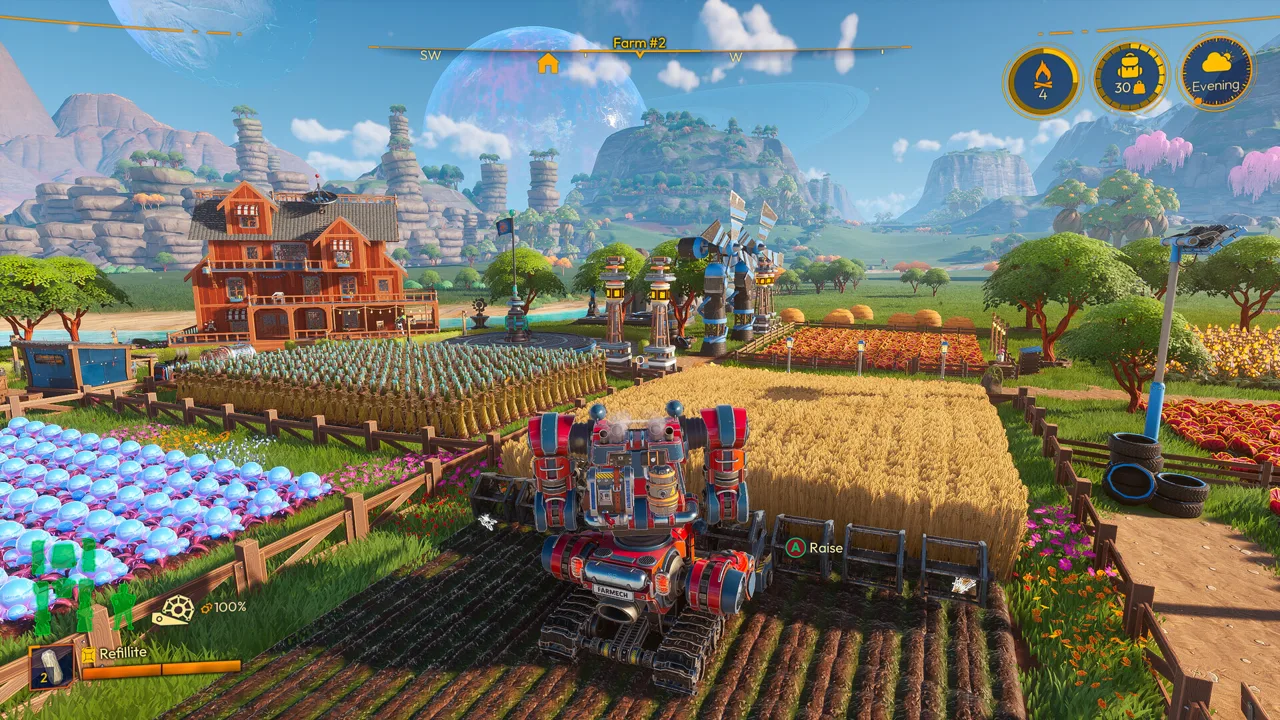 Image: Steam / FRAME BREAK
- Storage Box II
- Silo
- Silo II
- Small Shed
- Storage Shed
Check each construct's ports before placing it. A storage Input receives items; an Output lets connected equipment draw resources from it.
A simple layout is:
Ingredient storage → crafting construct → finished-item storage
For a longer chain, send one machine's output into a compatible downstream crafting construct or intermediate storage. Check that every machine in the route has the ports the connection needs.
Build a Dump Chest With Filtered Destinations
Resource Filters let each storage construct accept or deny particular resources. Use them to divide supplies among connected destinations:
- Choose a storage construct with an Output as your dump chest.
- Connect it to destination storage through Automation Pipes.
- Open each destination's Resource Filter tab.
- Set the resources you want that destination to accept or deny.
- Deposit a small batch and inspect where it goes.
Filters apply separately to each built storage construct. Accepting an item allows connected constructs to send it there while capacity remains available.
Denying an item blocks pipe deliveries and nearby automatic pickups of that item. Manually placing a denied item produces a warning.
Keep space available in destination storage. Filters control what a container accepts; they do not increase its capacity.
Use the Three-Recipe Auto Craft Queue
A single crafting construct can automatically cycle through up to three recipes. It loops through the queue and skips a recipe when the necessary ingredients are unavailable.
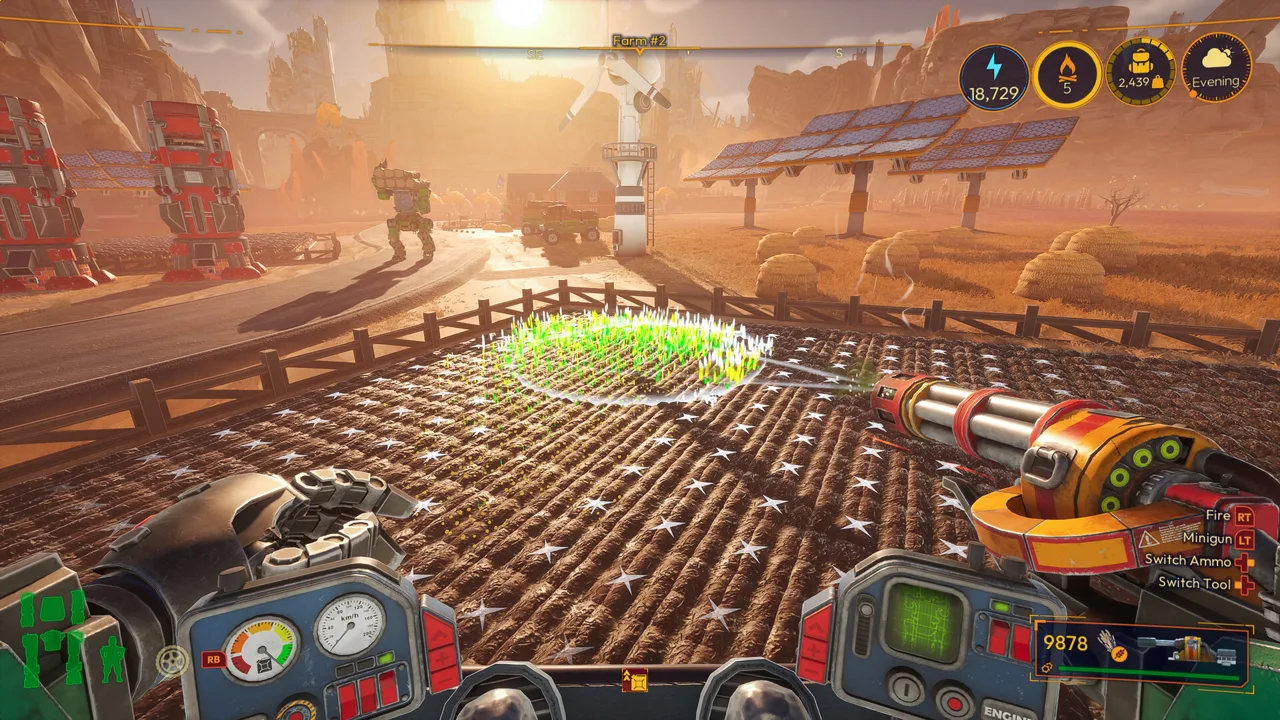 Image: Steam / FRAME BREAK
That lets you share equipment between several products without manually changing the recipe after every batch. It also means an ingredient shortage for one queued recipe does not prevent the construct from moving to another available recipe.
To configure the queue:
- Add the recipes you want to Auto Craft, up to the three-recipe limit.
- Supply their ingredients through connected storage.
- Route the finished items into storage that accepts those products.
- Watch the queue cycle before leaving it to run.
Removing a recipe updates the order dynamically.
Treat this as a cycling queue rather than simultaneous production. If one product needs its own continuous production line, give it a separate compatible crafting construct instead of sharing that machine's queue.
Budget Energy for Pipes and Production
Automation Pipes consume Energy. Expanding the transport network therefore adds demand alongside the constructs you want to run.
 Image: Steam / FRAME BREAK
Version 1.0 increased the Energy output of all Generators. Use the values displayed in your current game when planning capacity, especially when rebuilding an older farm.
Before extending a production line:
- Check the farm's Energy supply and demand.
- Account for the new pipes as well as the new machinery.
- Keep fuel available for Combustion Generators.
- Recheck the Energy balance after connecting the branch.
An Oil Presser can send its output through pipes to a Combustion Generator. Where you need to supply multiple generators, use a Pipe Splitter to branch that output.
Keep crops available for the oil recipe. Connecting the presser to a generator moves the produced fuel; the presser still needs ingredients to make it.
Keep the construct network's Energy budget separate from mech customization. Version 1.0 removed Power costs from mech Tools, Parts, and Modes, but Automation Pipes still require Energy.
Route Seeds and Other Outputs Into Storage
Use output connections to collect finished goods instead of leaving them beside machines.
For seed production, choose a Seed Extractor tier with both Input and Output ports, then build:
Crop storage → Seed Extractor → seed storage
Enable Auto Craft for the seed recipe and place its required crops in the connected ingredient storage.
Use Pipe Mergers when several machine outputs need to reach the same storage destination. Use Pipe Splitters when one source needs branches to multiple destinations. Set storage filters to accept the products you're routing.
Leave space between a machine and its merger. Crowding connections directly against ports makes the route harder to inspect and rebuild.
If items drop beside a machine, inspect the output connection. Rebuild the affected segment and watch another item travel through it before connecting more machines.
Supply Water and Repair Older Reservoir Connections
Water distribution can connect Water Reservoirs, Automated Water Pumps, compatible Watering Drone Stations, and Water Troughs.
A manually filled reservoir stores water and distributes it to connected constructs. An Automated Water Pump supplies water from a river, lake, or ocean once you unlock it.
Use reservoirs to buffer a watering network, and inspect their levels while the farm is working. Filling connected stations also draws from the reservoir, so watch the level after the initial fill rather than assuming a full tank will last a fixed number of days.
For multiple watering destinations, branch the supply with Pipe Splitters. Add water storage when the current reserve runs down too quickly for your routine.
Rebuild old Water Reservoir output connections after moving to 1.0. The reservoir's Output position changed, and existing pipes attached to the old position no longer function. Reconnect them to the current port even if the old pipe still appears close enough.
Troubleshoot a Stalled Automation Line
Follow the route from its ingredient storage to its destination. Inspect each connection before rebuilding the entire network.
| Problem | What to inspect |
|---|---|
| Ingredients remain in storage | Check that the storage has an Output and that its pipe reaches the crafting Input. |
| One queued recipe keeps getting skipped | Check the connected supply for every ingredient that recipe requires. |
| Finished items do not enter storage | Check the output connection, destination capacity, and Resource Filter settings. |
| An old reservoir no longer supplies water | Rebuild the pipe attached to its shifted Output port. |
| A short pipe cannot be placed | Increase the distance between ports; pipes below the functional minimum length are blocked. |
For a larger network, test a single branch with a small batch of ingredients. Watch the machine complete a recipe, then follow the finished item into storage. Reconnect additional branches after that route works.
Continue with
 Lightyear Frontier Mineral Extractor Pipe Setup GuideBuild a Lightyear Frontier mineral extractor pipe setup that sends crushed ore to storage. Learn the mining loop, 1.0 automation changes, and pipe fixes.
More in Automation
See all Automation
Continue exploring
Lightyear Frontier House: Building and Coziness Guide
Build your Lightyear Frontier house with a practical starter layout, roof support tips, Coziness buffs, and the kitchen and bathroom unlocks added in 1.0.

Lightyear Frontier Fuel: Mech Efficiency Guide for 1.0
Manage Lightyear Frontier fuel with the 1.0 changes to empty tanks, Eco Driving's 20% reduction, custom difficulty options, and updated farm automation.
Join the community
Official channels for news, updates and player help: