
Lightyear Frontier Only 2 Mech Parts? 1.0 Explained
Looking for Lightyear Frontier only 2 mech parts? Learn how 1.0 combines components, changes upgrades, and keeps individual mech appearances customizable.
Jump to
Why Does the Mech Parts Menu Look Different?
Seeing fewer mech components can make an upgrade feel like something went missing. If you’re searching for “Lightyear Frontier only 2 mech parts,” the key change is the 1.0 customization overhaul: several separate components now share an upgrade path. Understanding those combined parts helps you find the right upgrades without hunting for entries that have moved.
The November 4, 2026, 1.0 release reorganized functional mech parts into combined groups. That change explains a smaller parts menu, but it doesn’t mean the entire mech consists of two components.
Here’s how the merged parts work:
| Previously separate components | Combined functional part in 1.0 |
|---|---|
| Mech Arm (L) and Mech Arm (R) | Mech Arms |
| Left and right mech legs | Mech Legs |
| Windshield and Engine | Mech Body |
Tools and Transform Modes have their own progression alongside these body parts. Keep those categories separate when comparing your mech with an older guide: a windshield appearance, a functional body upgrade, and a tool upgrade serve different purposes.
Official page: Lightyear Frontier (lightyearfrontier.com)
How to Upgrade Mech Parts in 1.0
The old system required crafting a higher-tier piece and then equipping it. In 1.0, each Tool, Part, and Mode has a dedicated slot with a preset upgrade path. The separate Parts Crafting section has been removed.
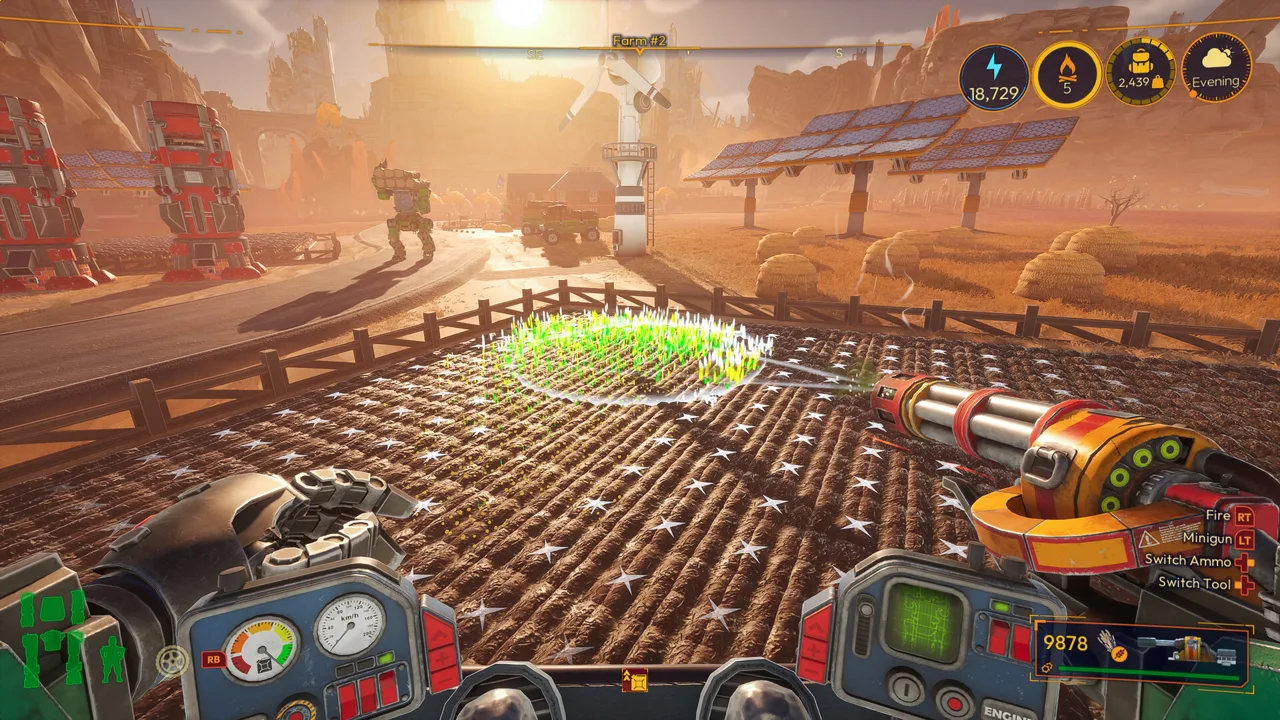 Image: Steam / FRAME BREAK
For example, a Seed Shooter Mk. 1 upgrades directly into a Seed Shooter Mk. 2, with its Mod Chips carrying over.
Use this sequence when planning an upgrade:
- Select the relevant Tool, Part, or Mode in the customization menu.
- Inspect its upgrade path to see its progression rather than looking for a separately crafted replacement.
- Upgrade the existing piece when its requirements are met.
- Review the attached Mod Chips to tune the upgraded component.
Upgrades now improve built-in stats, so their value extends beyond providing space for Mods. Tools also unlock their main secondary abilities through progression; the first tool upgrade automatically unlocks that secondary ability.
Tools, Parts, and Modes no longer consume Mech Power. Mod Chips still have their own Power costs, so review those costs when adjusting your build.
There are fewer Mod Slots overall, while individual Mod Chips have stronger effects. Plan around the current slots and effects instead of recreating an older setup chip for chip. The menu also lets you equip Mods directly from crafting or move them from another component where they’re already equipped.
Can You Still Customize Each Arm, Leg, and Windshield?
 Image: Steam / FRAME BREAK
Yes—combined functional parts retain separate visual customization. You can still change the appearance of each arm and leg individually, along with the Windshield and Engine.
Think of Mech Body as the functional upgrade grouping. Its combined progression doesn’t force the windshield and engine to share one appearance choice.
Upgrading a Part to its next level unlocks that appearance in the Appearance section. Check that section when you want a different look; use the upgrade path when you want improved capabilities.
Older customization instructions can be misleading here. Early Access workflows involved selecting replacement pieces and physically swapping them at the Upgrade Dock. Follow the 1.0 upgrade paths for functional progression, and use Appearance for individual visual choices.
What Happens to an Existing Mech After the Update?
You don’t need to restart your save for the customization overhaul. Existing Mods carry over, and the conversion grants Parts equivalent to your current highest Tier.
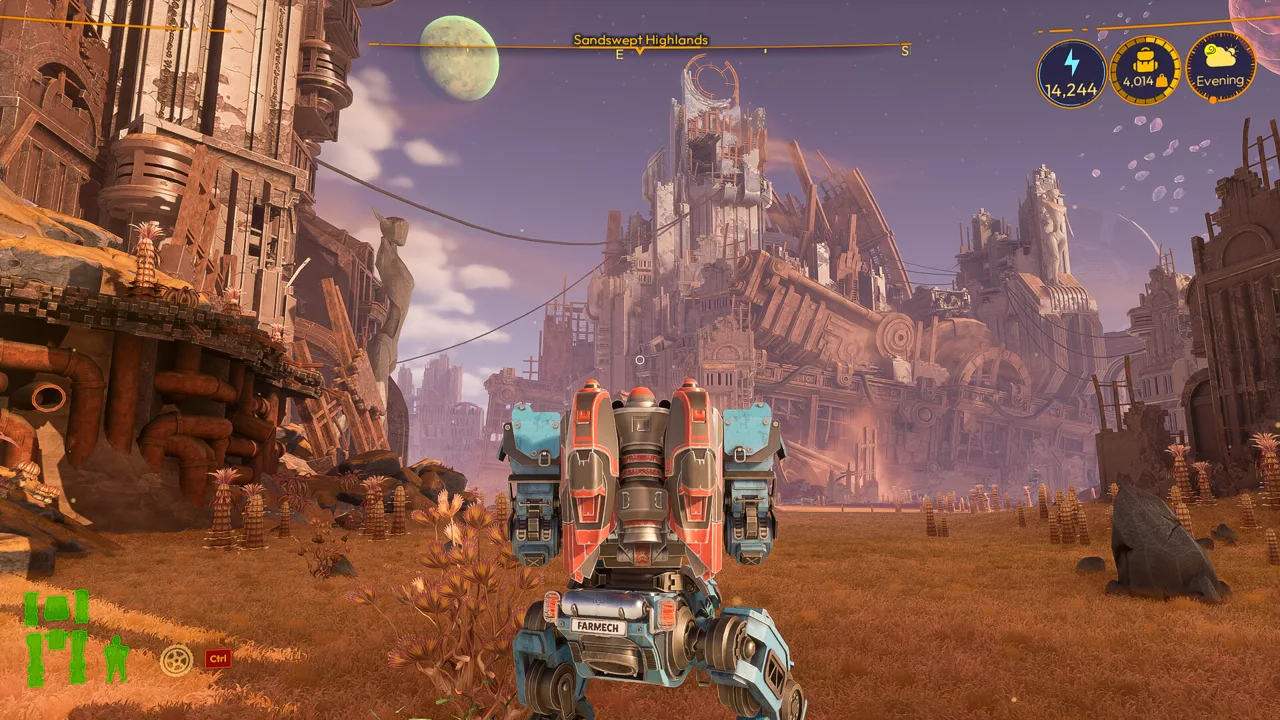 Image: Steam / FRAME BREAK
When returning to an older save, inspect the combined Mech Arms, Mech Legs, and Mech Body entries before looking for the former individual components. Then review your Mod Slots and Appearance selections.
Transform Modes have changed, too: they’re no longer restricted by mode slots. Once unlocked, all your Transform Modes are available through the transform wheel. Look there when switching between unlocked modes rather than searching for another part slot.
Continue with
 Lightyear Frontier Fuel: Mech Efficiency Guide for 1.0Manage Lightyear Frontier fuel with the 1.0 changes to empty tanks, Eco Driving's 20% reduction, custom difficulty options, and updated farm automation.
More in Mechs
See all Mechs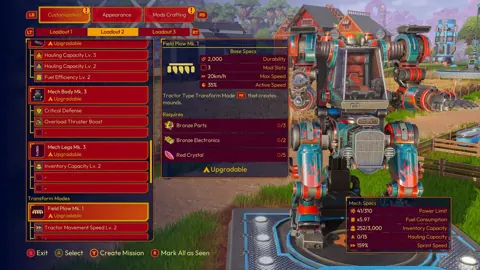
Continue exploring

Join the community
Official channels for news, updates and player help: