Lightyear Frontier Water Pump: Setup and 1.0 Fixes
Set up a Lightyear Frontier water pump, connect watering drones and reservoirs, and fix broken water connections after the 1.0 update. Keep crops watered.
Jump to
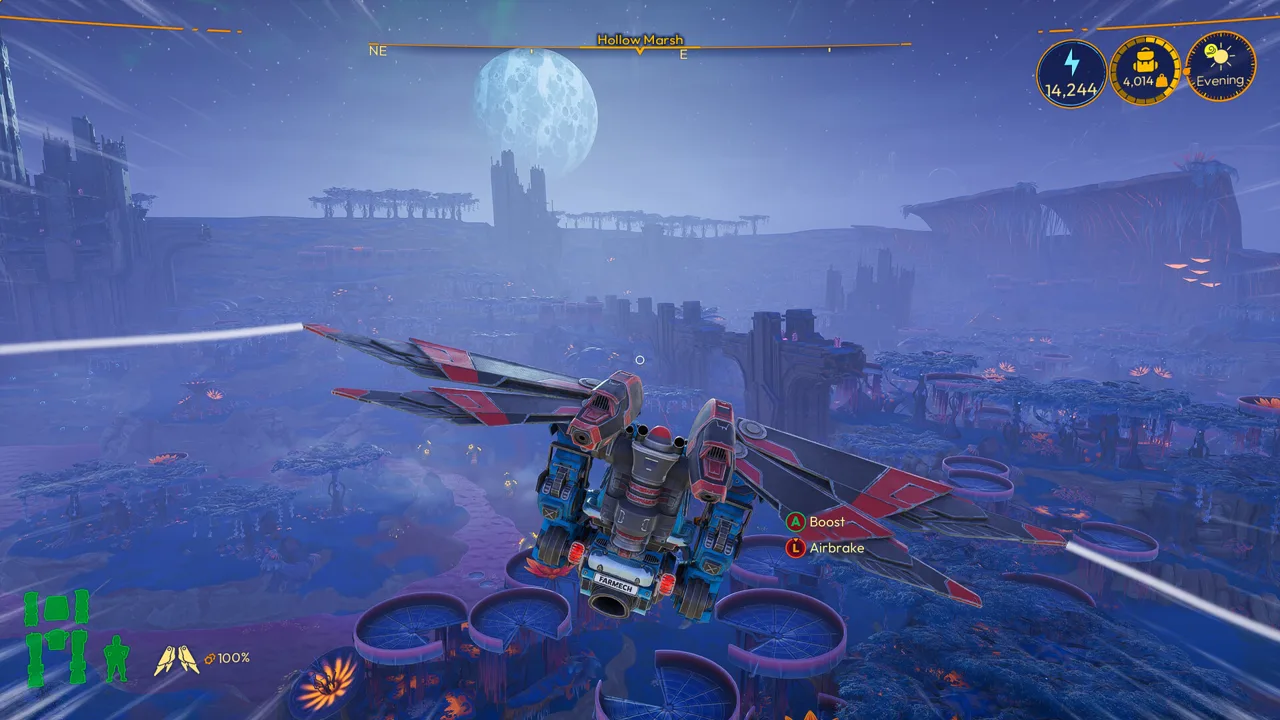
How the Automated Water Pump Works
Stop spending your farming day refilling tanks. The Lightyear Frontier water pump draws water from rivers, lakes, and the ocean, then supplies Watering Drone Stations and Water Troughs through connected pipes. With a working supply network, you can automate watering and spend that time planting, harvesting, or exploring.
The pump supplies the water, while your drones handle crop watering. A Water Reservoir adds storage between the water source and the constructs that need it. Reservoirs have both an Input and an Output, so they can receive water and pass it farther through your network.
You can also connect the pump directly to compatible watering constructs. An Irrigation Hose isn't required for the pump to supply them.
Official page: Lightyear Frontier (lightyearfrontier.com)
Water Pump Unlocks: Milestone 12 and the 1.0 Changes
The November 4, 2026, 1.0 release moved the start of automation to Milestone 4 and rebalanced milestone rewards. It also added Milestones 13 and 14, extending progression beyond the earlier milestone lineup.
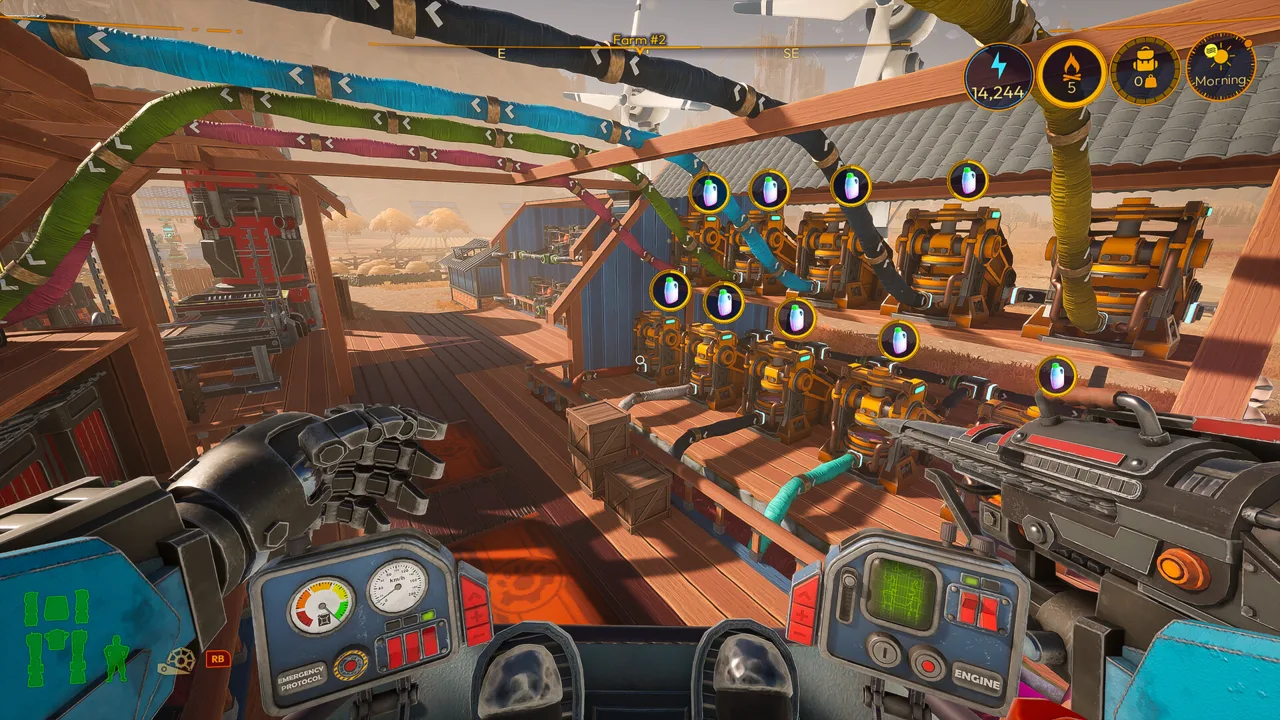 Image: Steam / FRAME BREAK
In the earlier Automation Update progression, the Automated Water Pump unlocked at Milestone 12, alongside the Solar Generator. The Water Reservoir unlocked at Milestone 8. Those numbers explain why older walkthroughs place water automation so late in the game.
Check your current milestone rewards before organizing deliveries around that older route. Milestone 4 marks the beginning of automation in 1.0, rather than an unlock for every automation construct.
The crafting system also changed: Automation Pipes now perform the automation functions previously handled by Automators. You can build current setups without adding an Automator as an intermediate step.
Connect the Pump to Reservoirs and Watering Drones
Start with one destination so you can follow the water's route before branching across the farm.
 Image: Steam / FRAME BREAK
- Build the pump at a water source. Use a river, lake, or the ocean.
- Connect its Output to a destination Input. Feed a Watering Drone Station, Water Trough, or Water Reservoir.
- Connect the reservoir onward if you're using storage. Route its Output to the watering construct's Input.
- Expand with splitters as needed. Branch the supply toward additional compatible destinations.
For a reservoir-fed drone station, arrange the network in this order:
Automated Water Pump → Water Reservoir → Watering Drone Station
Use a Pipe Splitter when one supply needs to branch in multiple directions. Use a Pipe Merger when multiple incoming pipe routes need to join a shared outgoing route.
Keep the initial layout easy to trace. Check that the connected destination receives water before adding more branches, then inspect the crops as the drones work. A supplied station and a fully watered field are separate things to check.
The Build Menu shows which constructs have Inputs and Outputs when you hover over them. Use those indicators when planning connections.
Manage Energy as You Expand
Automation Pipes consume Energy in 1.0, so include the pipe network when planning your farm's power demand. Additional crafting equipment and drone stations also affect the energy budget.
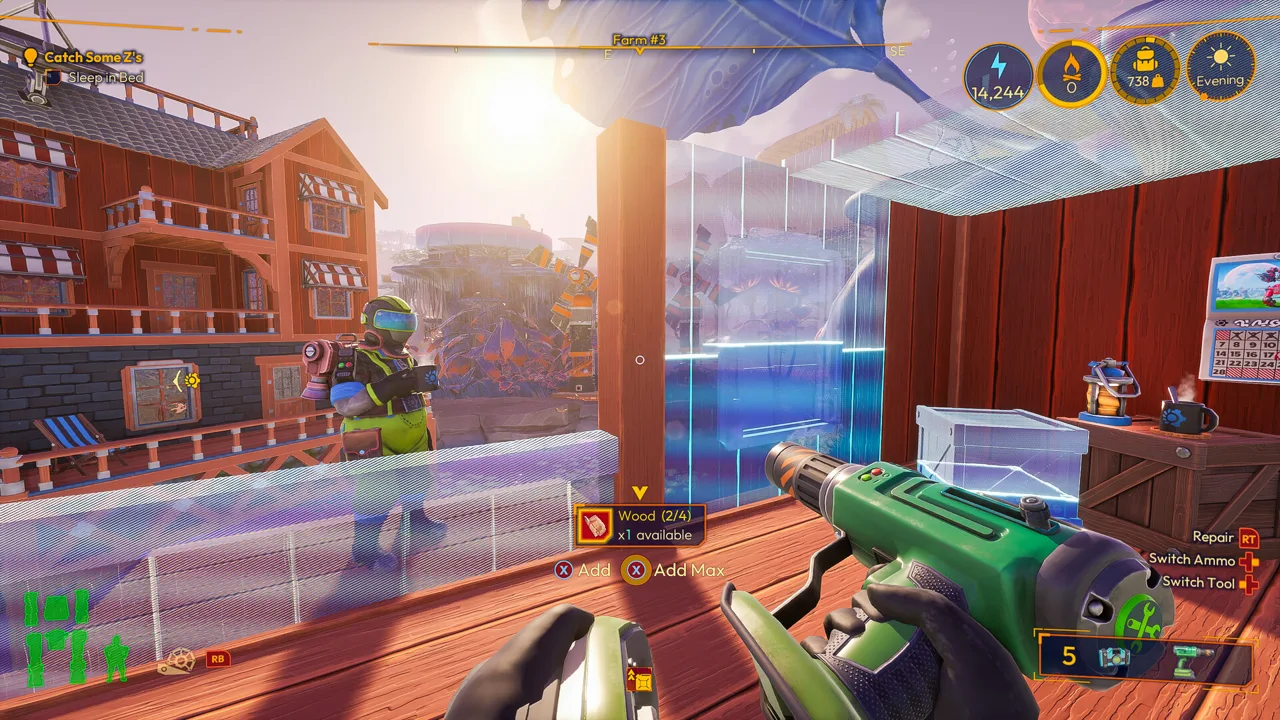 Image: Steam / FRAME BREAK
The energy system introduced with automation gives constructs and drones an Energized boost of 2.5 times normal speed when generation meets or exceeds demand. When demand exceeds supply, they lose that boost and continue at their normal speed.
That distinction matters for irrigation: slower drones can leave crops waiting longer even when their water supply is connected.
- Check available Energy after adding pipe branches or upgrading production equipment.
- Increase generation when expansion pushes demand above supply.
- Check the current generator values in-game; 1.0 increased the Energy output of all Generators.
Solar Generators provide fuel-free Energy, while Combustion Generators require fuel. Energy generation and consumption are global, so generators don't need to sit beside the pump or drone stations.
Fix Broken Reservoir Connections After Updating to 1.0
Rebuild existing pipes connected to a Water Reservoir's Output after updating to 1.0. The reservoir's Output position shifted, and connections made to its previous position no longer function.
This change fixed a construction problem that prevented pipes from being placed properly at the Output. An older connection can remain part of your layout while failing to deliver water downstream.
Check the network in order:
- Inspect the reservoir's outgoing connection.
- Rebuild the pipe at the new Output position.
- Follow that route through any splitters or mergers to the destination Input.
- Check that the destination receives water.
- Inspect your Energy balance if watering continues slowly.
If the reservoir receives water but the connected station stays dry, repair that outgoing connection before expanding the network or building another pump.
Continue with
 Lightyear Frontier Automation Crafting Guide for 1.0Use this Lightyear Frontier automation crafting guide to connect storage, set Auto Craft recipes, manage energy, and fix broken pipes in the 1.0 update.
More in Automation
See all Automation
Continue exploring

Lightyear Frontier Eggs: How to Find and Hatch Them
Find Lightyear Frontier eggs, hatch farm animals, and hunt Radiant Eggs. Learn the 1.0 feeding drop rate, incubator basics, and how lenses affect hatching.
Lightyear Frontier Best Mostly Flat Locations to Build
Looking for Lightyear Frontier best mostly flat locations to build? Find roomy farm sites, nearby resources, and practical layout tips for your next base.
Join the community
Official channels for news, updates and player help: